
Best Instagram Likes Exporter Tools in 2026
Imagine you are running an Instagram campaign. A post gets hundreds of likes, and you want to know which accounts engaged with it. You open the liker list and start copying usernames into a spreadsheet. After several minutes, you have collected only a small part of the data.
Repeat this process across multiple posts or client accounts, and the workload quickly adds up. An Instagram likes exporter can reduce the manual work and help you organize liker data for audience comparisons and campaign reports.

In this guide, we compare five tools in 2026. We look at their features, export formats, access requirements, and limitations to help you find a tool that fits your workflow.
Quick Answer: Which Instagram Likes Exporter Should You Choose?
The best tool depends on what you need to do with the data. EasyComment is a practical option for users who want to export available liker information to CSV or Excel without connecting their Instagram account. LinkedRadar offers a quick CSV workflow, Lection uses a browser extension, ExportComments provides different export limits by plan, and Casii supports optional public profile enrichment.
If you want a simple way to collect and manage liker data without a complex setup, compare each Instagram likes exporter by its export formats, access requirements, and usage limits.
What Is an Instagram Likes Exporter?
An Instagram likes exporter collects available information about accounts that liked an Instagram post or Reel and saves the results in a structured file.
Depending on the tool, the data may include usernames, display names, profile links, account IDs, or verification status. You can open the exported file in a spreadsheet to sort records, compare lists, and prepare reports.
For example, a beauty brand could review the available likers of a public product post and identify accounts worth researching. A social media manager could compare liker lists from several campaign posts to find recurring usernames.
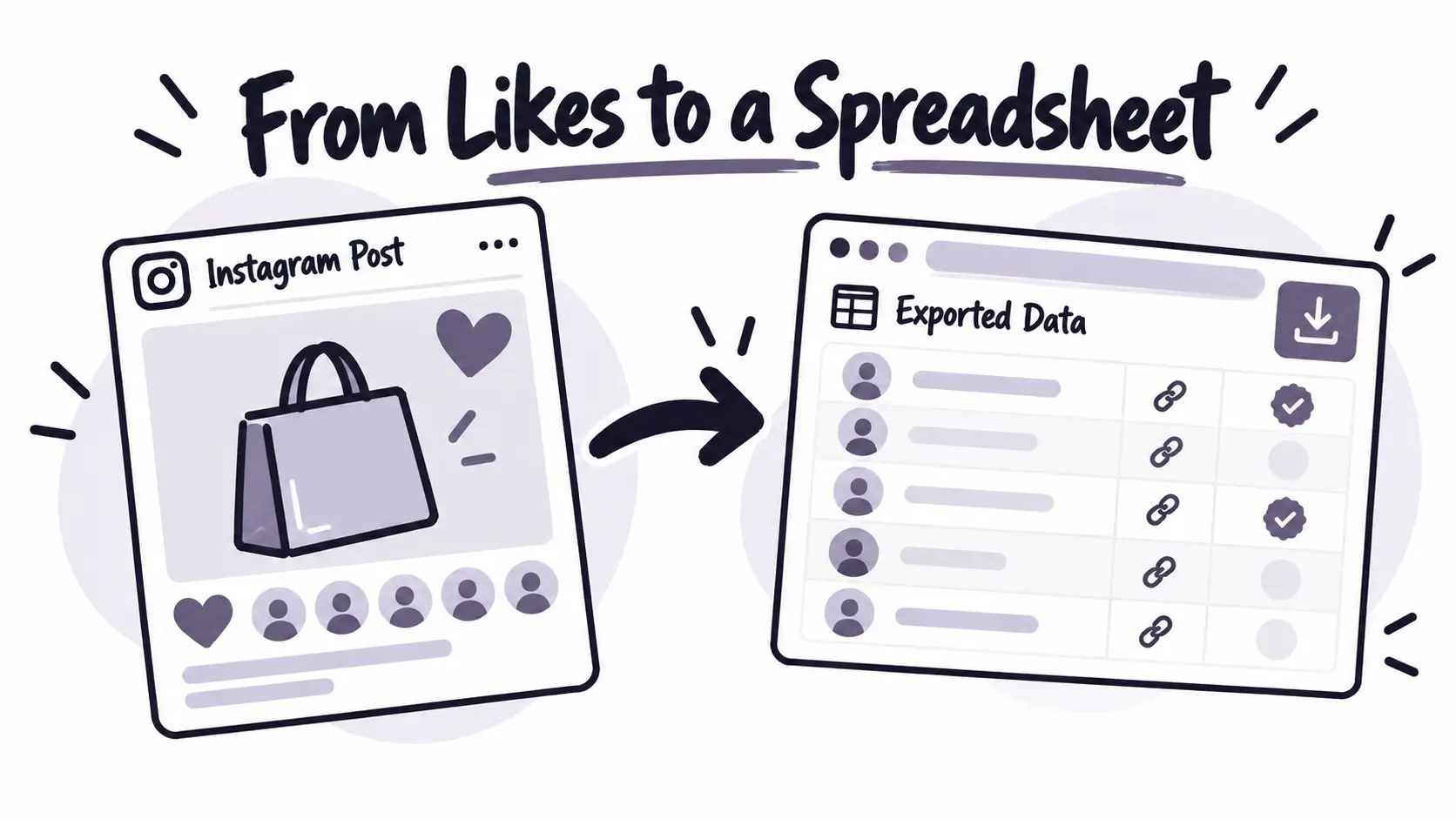
There is one important limitation: the number of likes shown on Instagram may be higher than the number of records a tool can retrieve. Results depend on Instagram's access rules and each tool's collection method. An export should not automatically be treated as a complete list.
Top 5 Instagram Likes Exporter Tools
1. EasyComment — Best for Simple CSV and Excel Exports
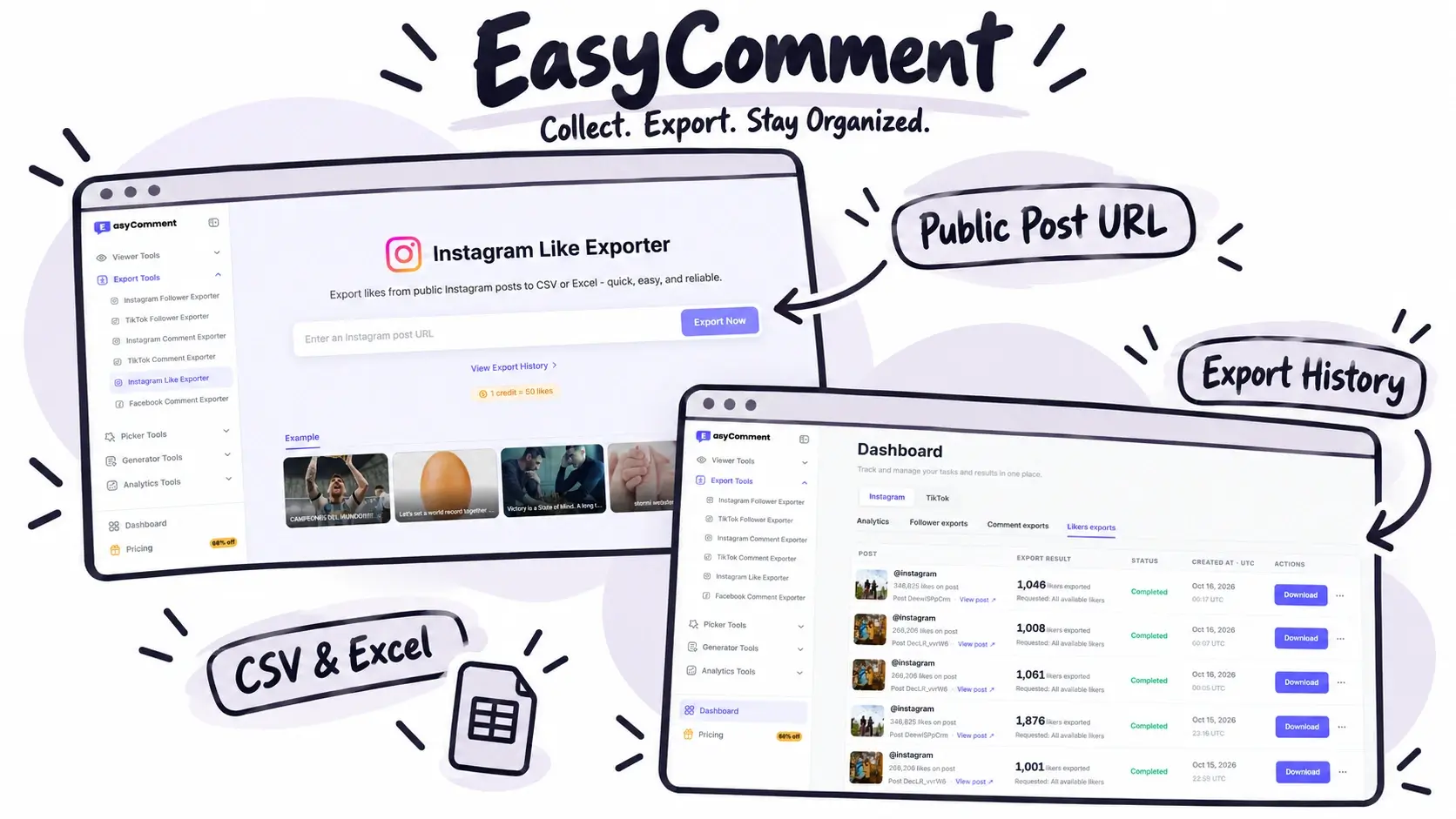
EasyComment is designed for people who want to collect and organize Instagram liker data without setting up a complex scraping workflow. It works in a browser, and you can start with a public Instagram post URL without connecting your Instagram account.
Its main advantage is the combination of a straightforward export process and practical tools for managing results. You can preview available liker records, download them in CSV or Excel format, and return to previous exports when you need them again. This is useful for marketers and social media teams that regularly research multiple posts and need to keep their data organized.
Key features
- CSV and Excel downloads: Export available liker data into formats that are easy to sort, filter, analyze, and share.
- Free preview: Guests can preview and download the first five available records before signing in to export more.
- Useful profile details: Review available usernames, profile URLs, avatars, verification status, and private-account status.
- Export history: Find previous exports, check the source post and export time, and download saved files again.
- No Instagram login required to start: Use a public post URL without entering your Instagram password.
- Browser-based workflow: No separate software or browser extension is needed.
How to use it
- Copy the URL of a public Instagram post.
- Paste it into EasyComment and click Export Now.
- Review the available liker data and download the CSV or Excel file.
The process is simple, even if you have never used a data collection tool before. The free preview also gives you a chance to check the returned records before deciding whether you need a larger export.
Best for: Marketers, creators, small businesses, and social media teams that want an accessible way to export and manage liker information.
Limitations: Guests can download only the first five available records. Larger exports and export-history management require signing in, and exports use credits. The amount of data returned also depends on what Instagram makes available.
Overall, EasyComment is a strong option if you want an Instagram likes exporter that balances ease of use with useful export and record-management features. You can explore the Instagram likes exporter page to see whether its workflow fits your needs.
2. LinkedRadar — Best for a Quick Free CSV Export
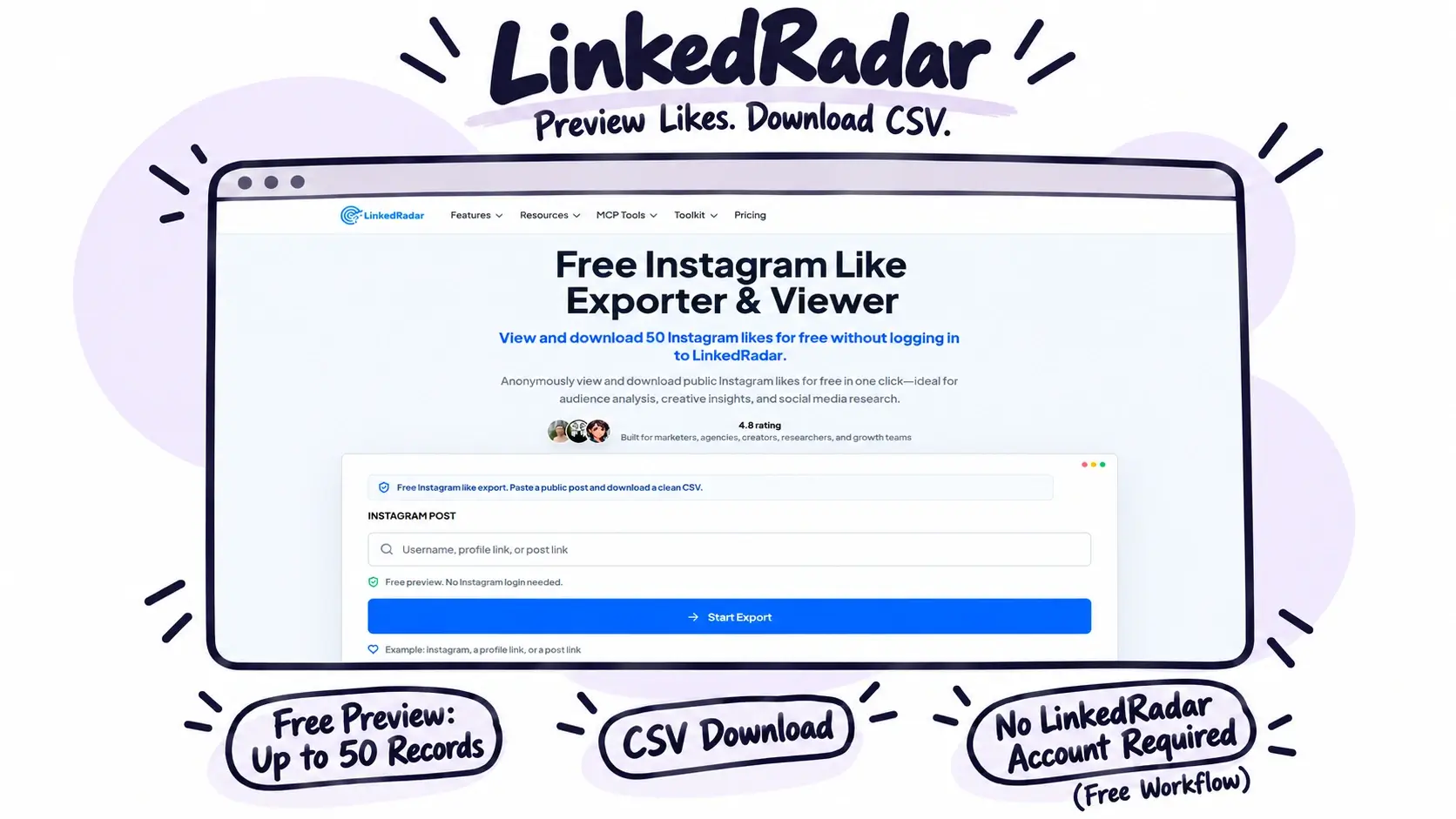
LinkedRadar is a browser-based Instagram likes exporter for viewing and exporting available likers from public Instagram posts and Reels. Its website advertises a free preview of up to 50 available liker records, with CSV downloads and no LinkedRadar account required for the free workflow.
Key features
- Preview up to 50 available liker records.
- View usernames, display names, profile photos, and profile links.
- Download results as CSV.
- Start without a LinkedRadar login.
How to use it: Paste a supported public Instagram link, preview the available accounts, and download the CSV file.
Best for: Users who need a quick lookup or a small export without creating an account.
Limitations: CSV is the advertised export format, so users who specifically need an Excel download should check whether it meets their needs. As with other tools, the available results may not include every liker.
3. Lection — Best for Browser-Based Data Collection
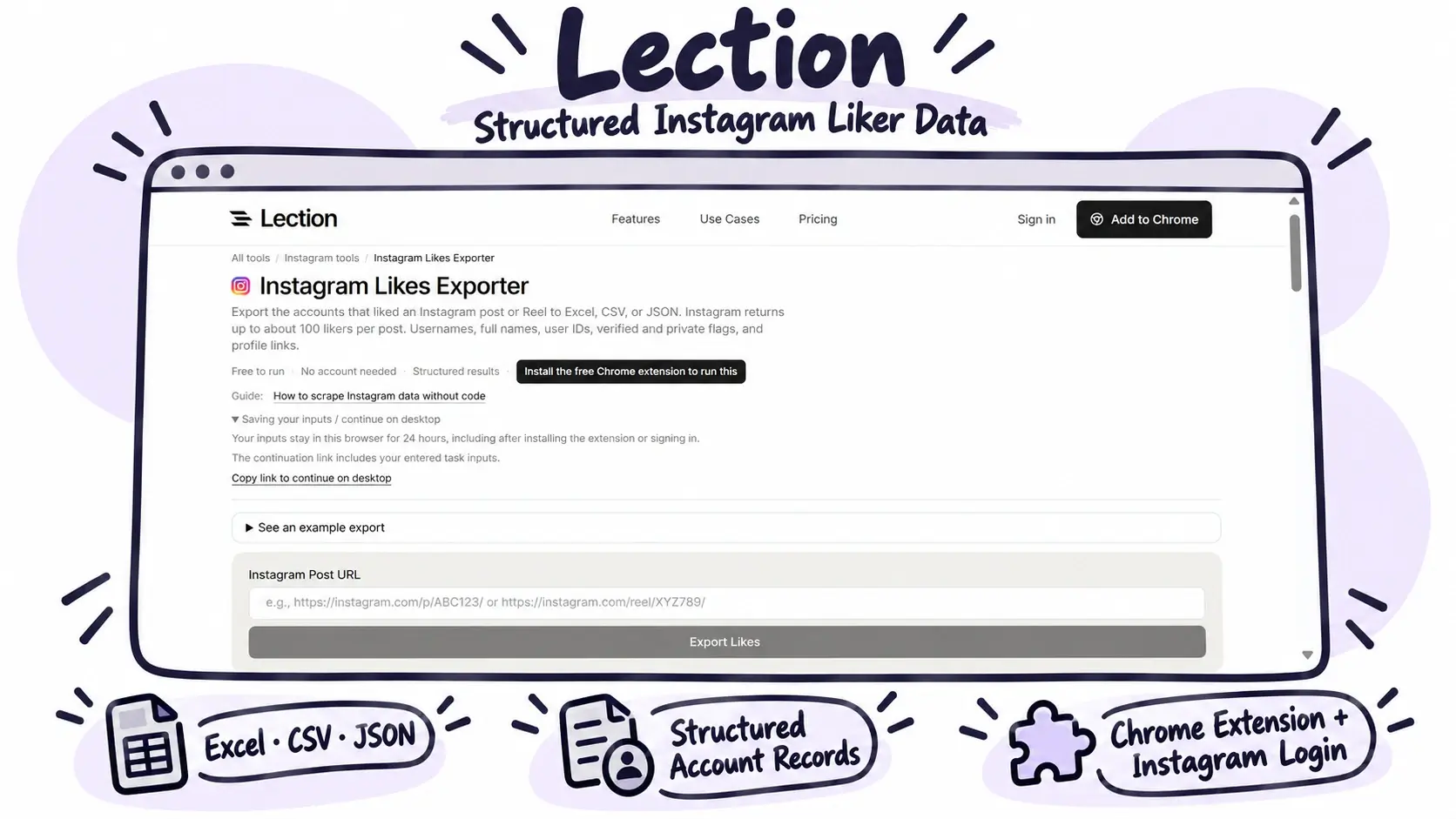
Lection is an Instagram likes exporter that saves available liker data to Excel, CSV, or JSON. Its output can include usernames, full names, user IDs, verification and private-account flags, and profile links. Unlike tools that work without an Instagram connection, Lection requires its Chrome extension and a logged-in Instagram session in the same browser.
Key features
- Excel, CSV, and JSON exports.
- Structured account records.
- Browser-based collection through an extension.
- Local browser processing, according to its documentation.
How to use it: Install the extension, log in to Instagram in that browser, paste the post or Reel URL, and download the results.
Best for: Users who are comfortable using a browser extension and their Instagram session.
Limitations: Lection states that Instagram may return only about 100 likers per post through its collection method. Downloads use credits, and frequent requests may trigger rate limits.
4. ExportComments — Best for Different Export Limits
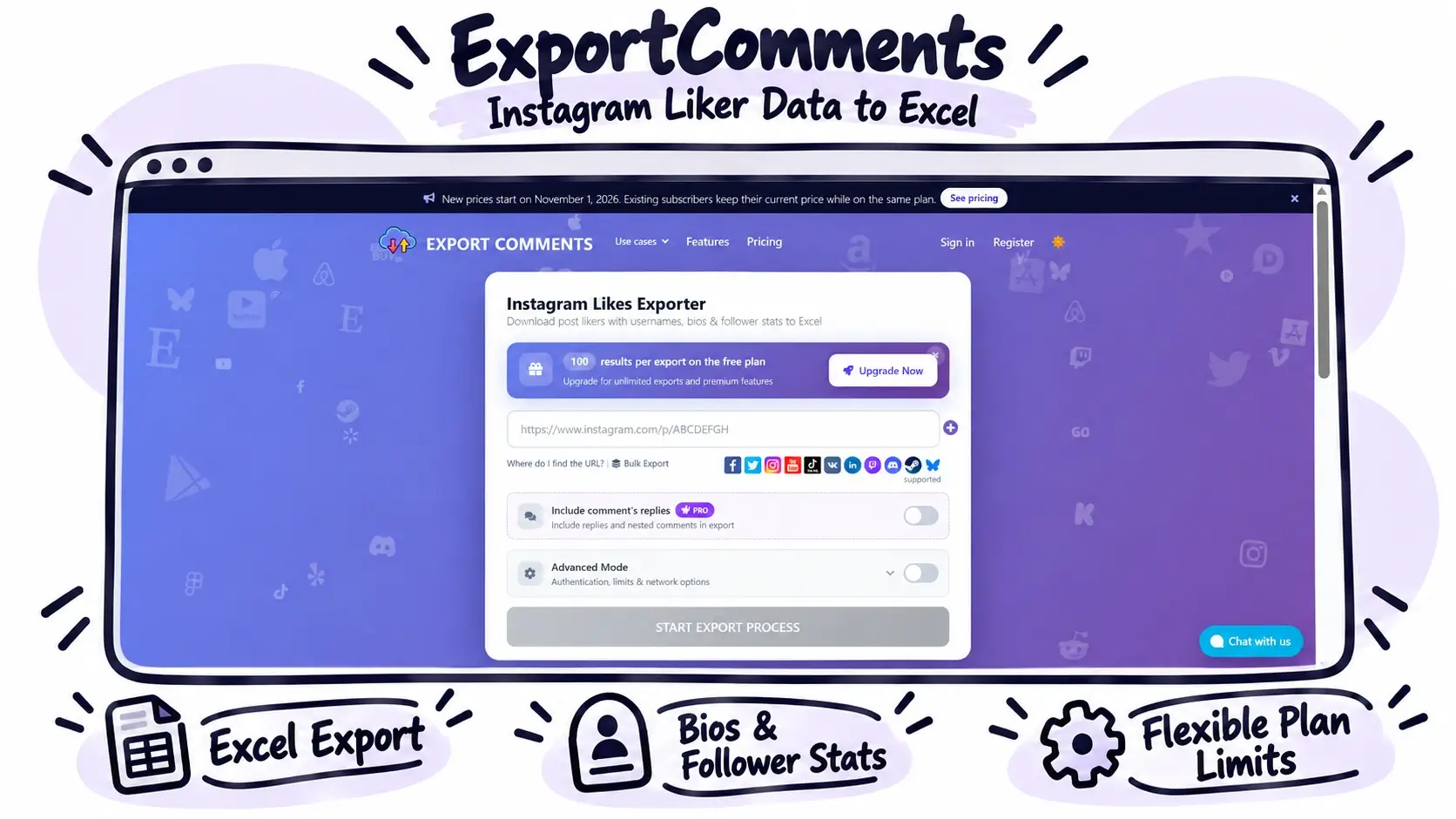
ExportComments provides an Instagram likes exporter that downloads post liker data, including usernames, bios, and follower statistics, into Excel. Its website lists different result limits for Free, Personal, Premium, and Business plans.
Key features
- Excel export.
- Available profile information, including bios and follower statistics.
- Different plan limits for different usage needs.
How to use it: Open the exporter, provide the required Instagram post information, and follow the site's export process.
Best for: Users who need liker data alongside additional profile information or want to compare different export plans.
Limitations: The published page lists different result limits for each plan. Confirm current pricing and the exact meaning of each plan's limit before purchasing. The website requires JavaScript, so some workflow details may need to be checked directly on the site.
5. Casii — Best for Optional Profile Enrichment
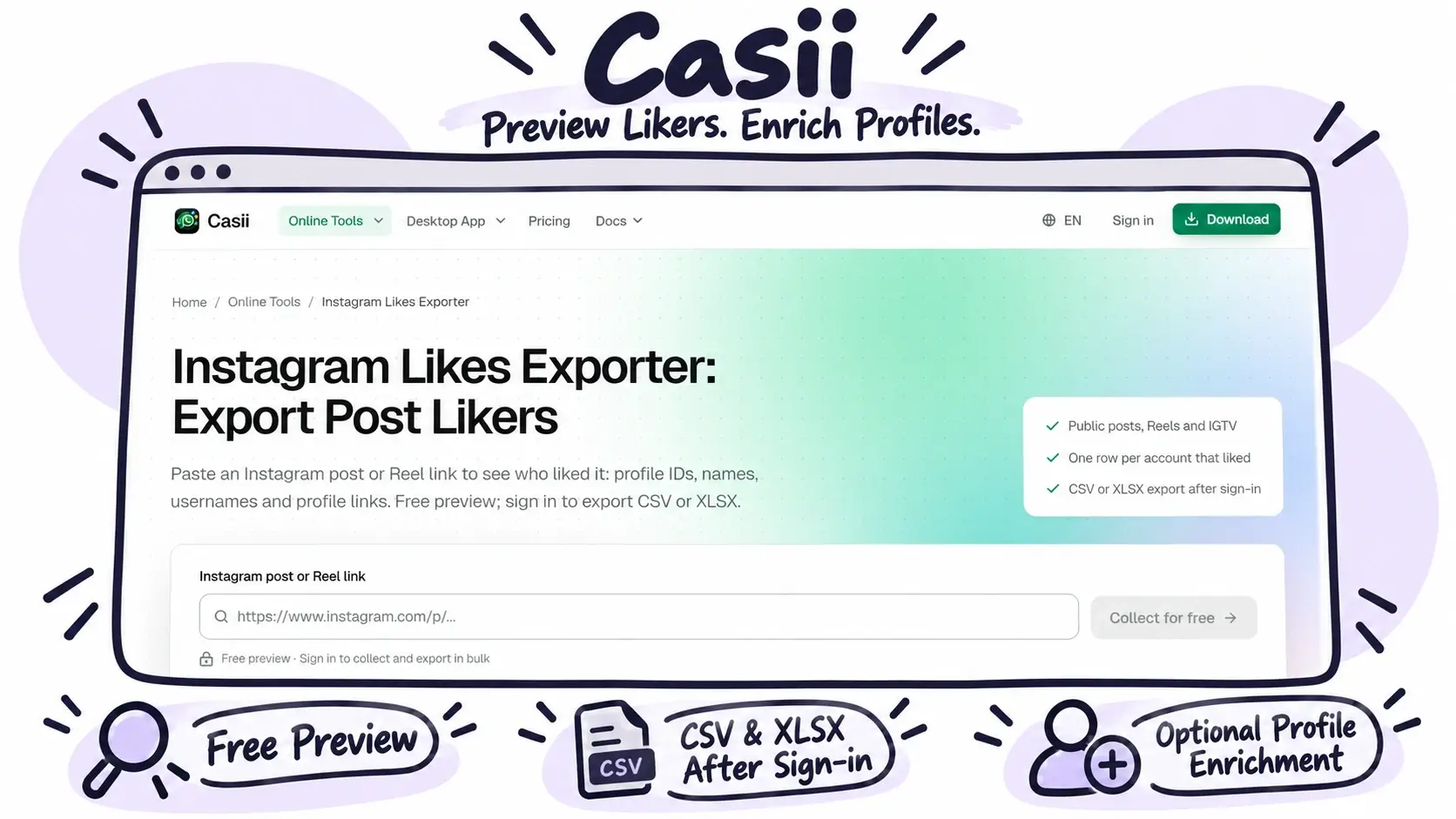
Casii is an Instagram likes exporter that lets users preview available likers from public Instagram posts, Reels, and IGTV videos. After signing in, users can export the records as CSV or XLSX. It can also add available public profile details, such as bios and follower counts.
Key features
- Free preview of available liker records.
- CSV and XLSX downloads after signing in.
- Profile IDs, usernames, profile links, and account-status fields.
- Optional public profile enrichment.
- A credit-based usage model.
How to use it: Paste a public post or Reel link, review the preview, sign in, and run the export. Choose additional profile details where available.
Best for: Marketers and researchers who need more profile information than a basic liker list provides.
Limitations: Extra fields depend on the information available for each account. Private-account posts and deleted posts cannot be collected. Casii states that new accounts receive 300 free credits; check the current terms before using the service.
Quick Comparison of the Five Tools
The table below compares the main features that may affect your choice of an Instagram likes exporter.
| Tool | Export formats | Account requirements | Main advantage | Best for |
|---|---|---|---|---|
| EasyComment | CSV, Excel | No Instagram login required to start; sign-in for larger exports | Free preview, export history, and easy file management | Everyday research and repeat exports |
| LinkedRadar | CSV | No LinkedRadar login required for the advertised free workflow | Free preview of up to 50 available records | Quick lookups |
| Lection | CSV, Excel, JSON | Chrome extension and Instagram session | Multiple export formats | Browser-based collection |
| ExportComments | Excel | Check current workflow | Different plan-based export limits | Users comparing export plans |
| Casii | CSV, XLSX | Preview first; sign-in for export | Optional public profile enrichment | Audience research |
Features and limits are based on the providers' published pages reviewed for this article. They may change.
What Can You Do With Exported Instagram Likes?
An Instagram likes exporter can support several common research and reporting tasks.
Audience and Competitor Research
Collect available likers from public posts in your niche and review accounts that engage with similar content. This gives you a starting point for finding relevant creators, brands, and community members.
Campaign Reporting
Export liker lists from different campaign posts and compare them in a spreadsheet. Organize files by campaign, date, or post URL, then keep them alongside your other performance data.
Creator Discovery
Public liker lists may help you find accounts that engage with topics related to your brand. Review each account before reaching out. A like alone does not prove that someone wants to work with your business.
How to Choose the Best Instagram Likes Exporter
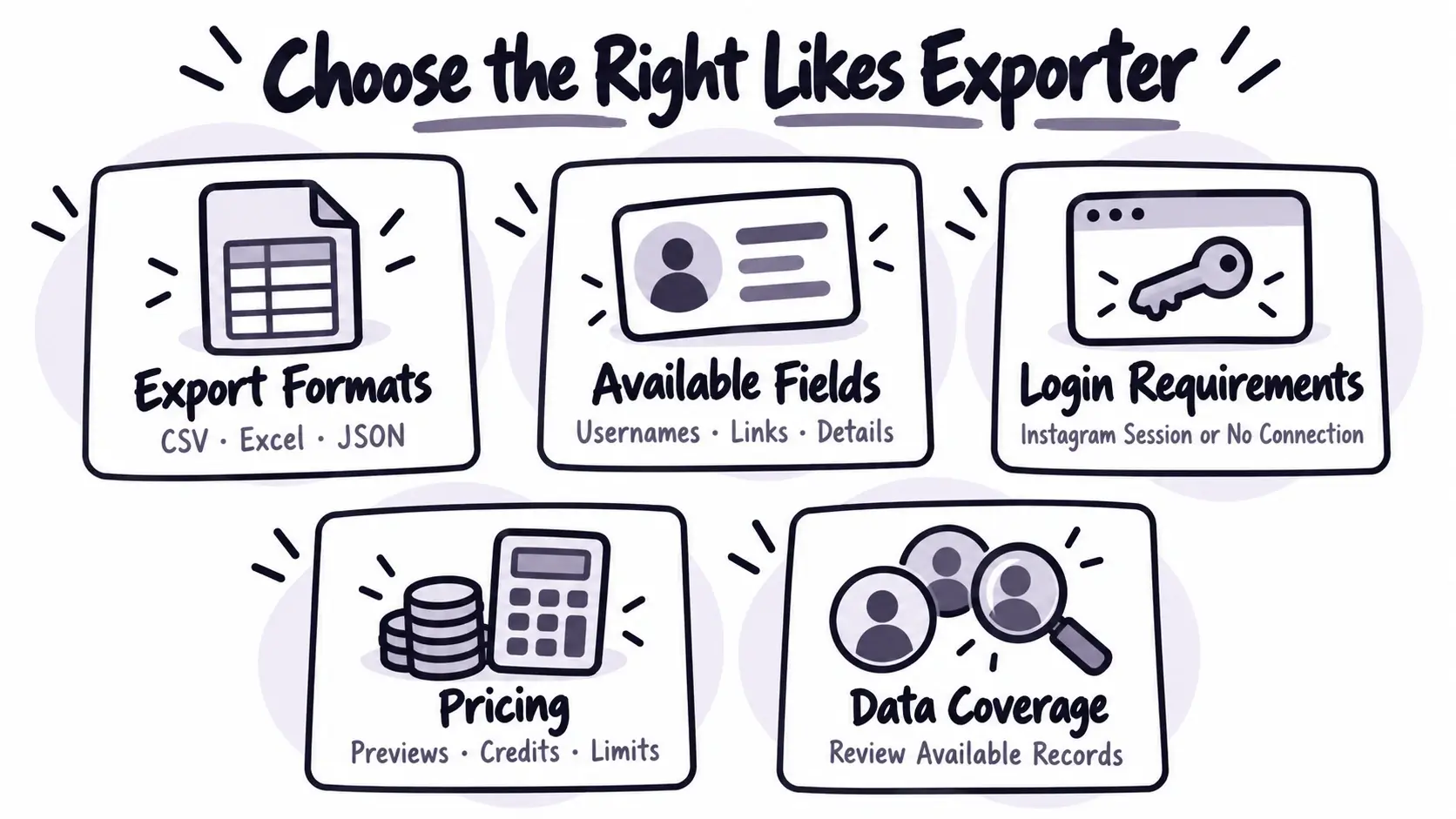
Before choosing a tool, consider these five points:
- Export formats: Check whether you need CSV, Excel, or JSON.
- Available fields: Decide whether usernames are enough or you also need profile links and account details.
- Login requirements: Check whether the tool needs your Instagram session or works without connecting your account.
- Pricing: Review free previews, credit costs, and limits on larger exports.
- Data coverage: Remember that available liker records may not include everyone who liked a post.
A simple Instagram likes exporter is often enough for occasional research. A tool with profile enrichment or a browser extension may suit more specialized tasks.
Frequently Asked Questions
Can you export Instagram likes to Excel?
Yes. EasyComment, Lection, and Casii advertise Excel or XLSX export options, and ExportComments offers Excel downloads. LinkedRadar advertises CSV downloads. Check the current feature list before starting an export.
Can you export Instagram likes without logging in?
Some tools let you start without connecting your Instagram account, including EasyComment and LinkedRadar. Lection requires a logged-in Instagram session through its browser extension. Always check the tool's current access requirements.
Why does an export contain fewer records than the post's like count?
The number of likes shown on a post may be higher than the number of liker records available to a third-party tool. Instagram access limits and the collection method can affect the results. Check the tool's documented limits before using the export for reporting.
Is it safe to use an Instagram Likes Exporter?
Most Instagram likes exporter tools work with publicly available post data and do not require you to connect your Instagram account. This makes them convenient to use for audience research and data collection without sharing your Instagram login details. If a tool requires account access, take a moment to review its permissions before getting started.
Final Recommendation
Choosing the right Instagram likes exporter comes down to your needs. If you only need a quick CSV download, LinkedRadar may be enough. If you want extra profile details or more advanced data collection options, Lection, ExportComments, and Casii are also worth considering.
For users who want a simple way to collect and organize liker data, EasyComment offers a practical balance of features, including a free preview, CSV and Excel exports, and export history management. You can start with a public Instagram post URL without connecting your Instagram account.
Whether you are researching an audience, comparing campaign posts, or identifying potential creators, having the available data organized in one file makes it easier to take the next step. Choose a tool that fits your workflow, so you can spend less time collecting data and more time uncovering useful insights. Ready to take a closer look at who’s engaging with your content? Try the Instagram likes exporter and start with a free preview.